English
← All MARINE apps Marine RadioVHF and GMDSS training
Know the radio.
 $5.99One-time purchase · no subscription
Marine RadioVHF and GMDSS trainingKnow the radio.
Trust your actions.
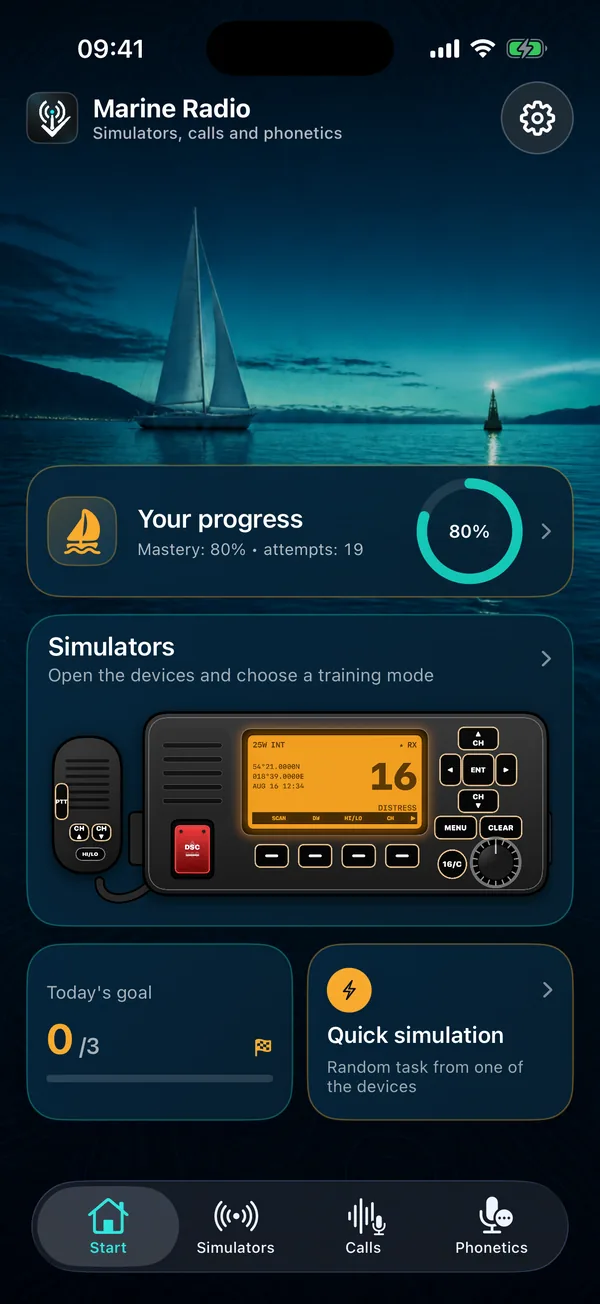
Practise maritime radio procedures with interactive VHF/DSC, NAVTEX, EPIRB and SART simulators, guided tours, calls and phonetic exercises.
$5.99One-time purchase · no subscription4interactive simulators
12app languages
0account required
- Made for iPhoneCompatible with iPhone
- Optimized for iPadDesigned for iPad
- On MacMac with Apple silicon · Designed for iPad
- On Apple Vision ProCompatible iPad app on visionOS
The VHF / DSC radio
Every control where
you'd find it on board.
A full fixed-mount VHF set with DSC and a handset. Press, tune and get it wrong, without ever touching a real channel.
Simulation only · never transmits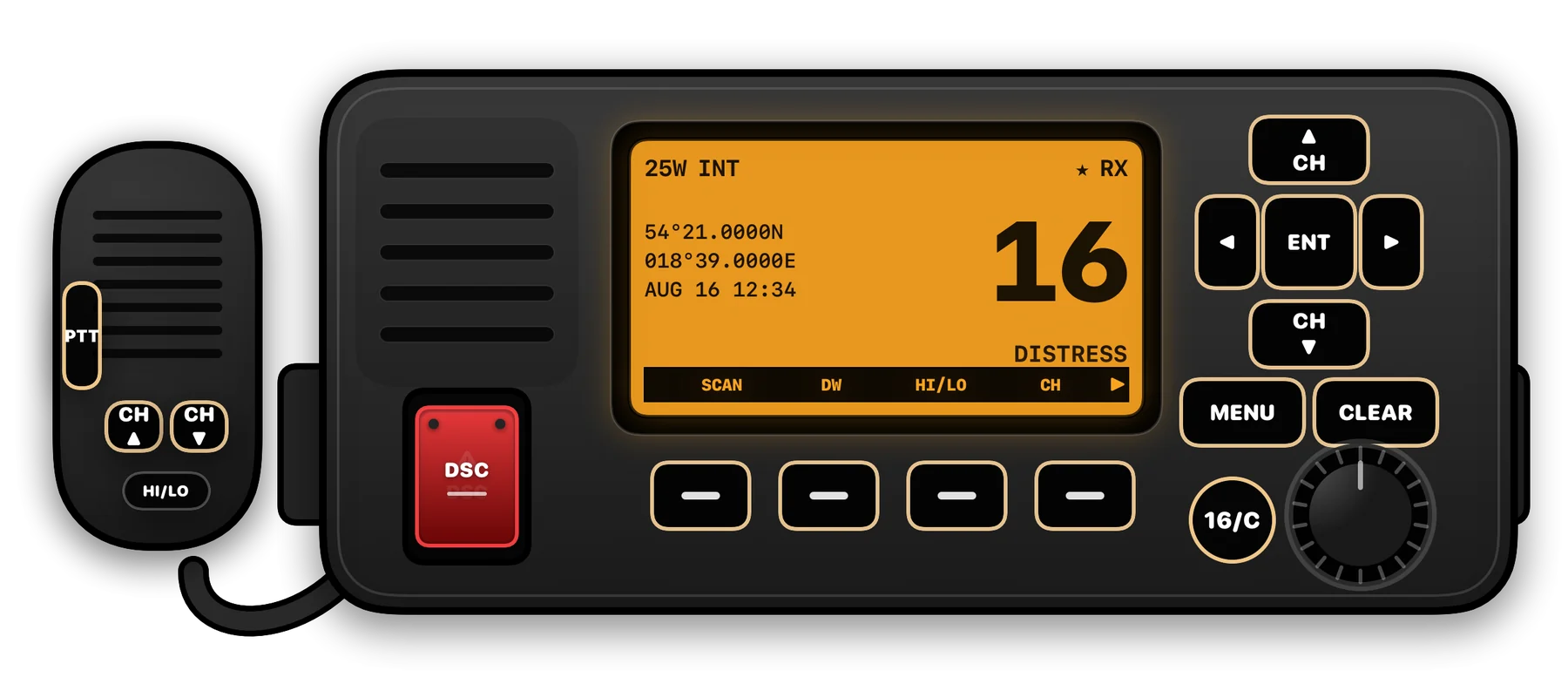
- 1PTTPress to talk, release to listen. Keep transmissions short.
- 2Handset CH ▲ ▼Change channel without reaching for the set.
- 3HI / LOSwitch transmit power between 25 W and 1 W.
- 4DSC distressLift the red cover, press and hold to send a distress alert with your MMSI and position.
- 5DisplayChannel, power, GPS position, time and the channel's use.
- 6Soft keysContext functions shown on screen: SCAN, DW, HI/LO, CH.
- 7CH ▲ ▼ and ENTStep through channels and menus, confirm with ENT.
- 8MENU / CLEAROpen DSC calls and setup, or go back a step.
- 916/CJump straight to channel 16: distress, safety and calling.
- 10Power and volumeSwitch on and set the volume.
01 · Simulators
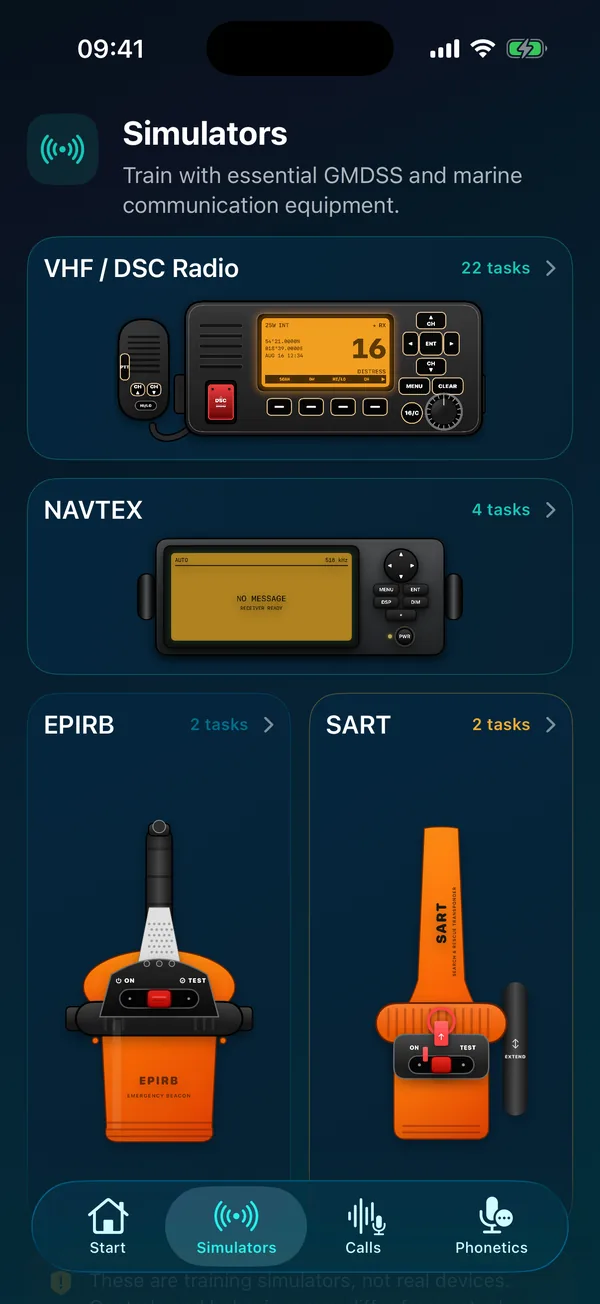
Train on the equipment, not just the theory.
Explore realistic controls, repeat guided tasks and learn the sequence before you face real equipment.
VHF · DSC radioChannels, DSC alerts, acknowledgements
NAVTEXStations, message types, reading warnings
EPIRBActivation, test and safe handling
SARTDeployment and what it shows on radar
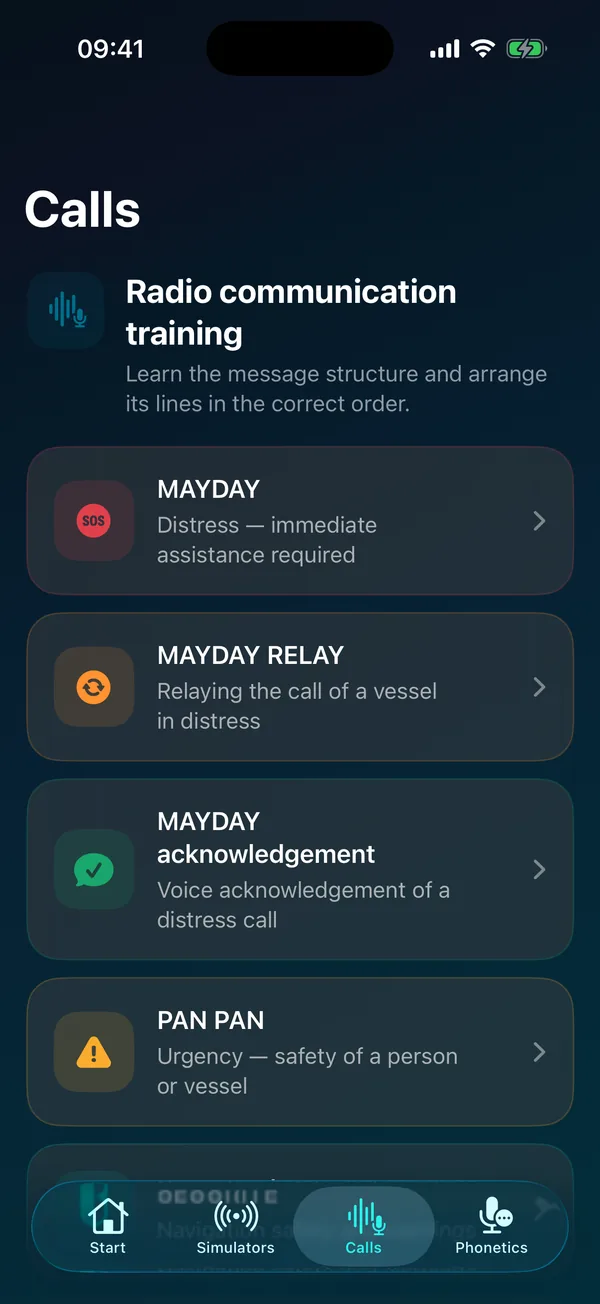
02 · Calls
Build every call in the right order.
Learn the structure of each message, arrange its lines and repeat until the sequence is automatic.
MAYDAYMAYDAY RELAYPAN PANSECURITEROUTINE
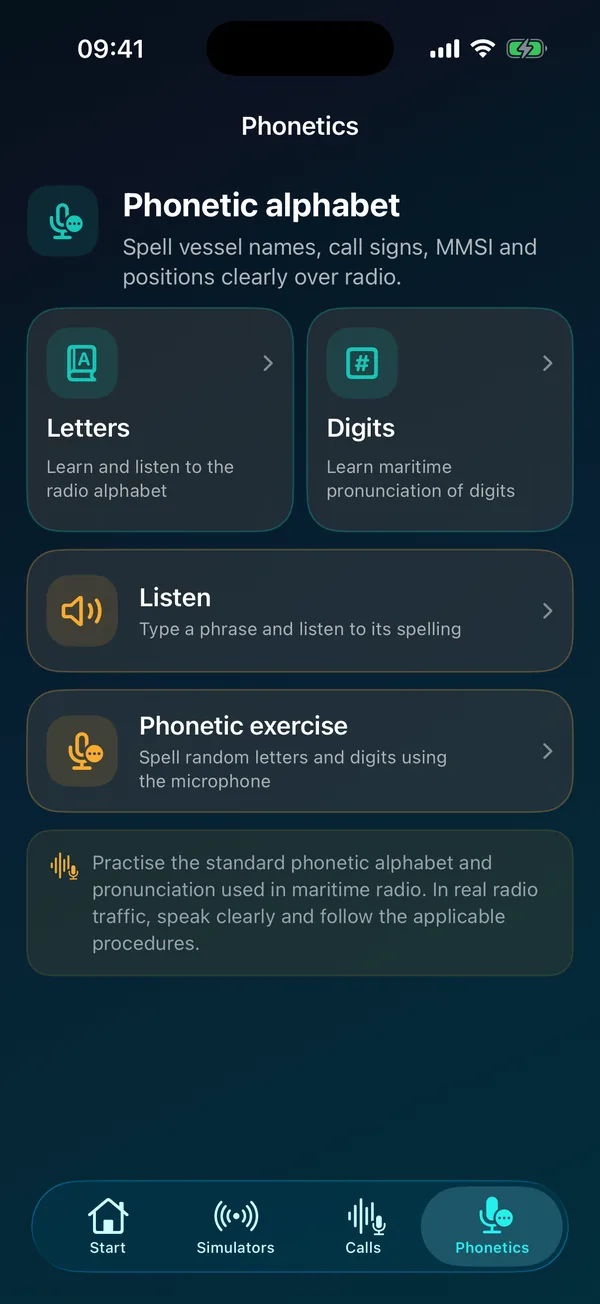
03 · Phonetics
Sound clear when every word matters.
Letters, digits, listening and speaking exercises for vessel names, call signs, MMSI numbers and positions.
- Standard alphabet and maritime digit pronunciation
- Listen, then type what you heard
- Optional microphone check; recordings are never saved
Screens
A closer look
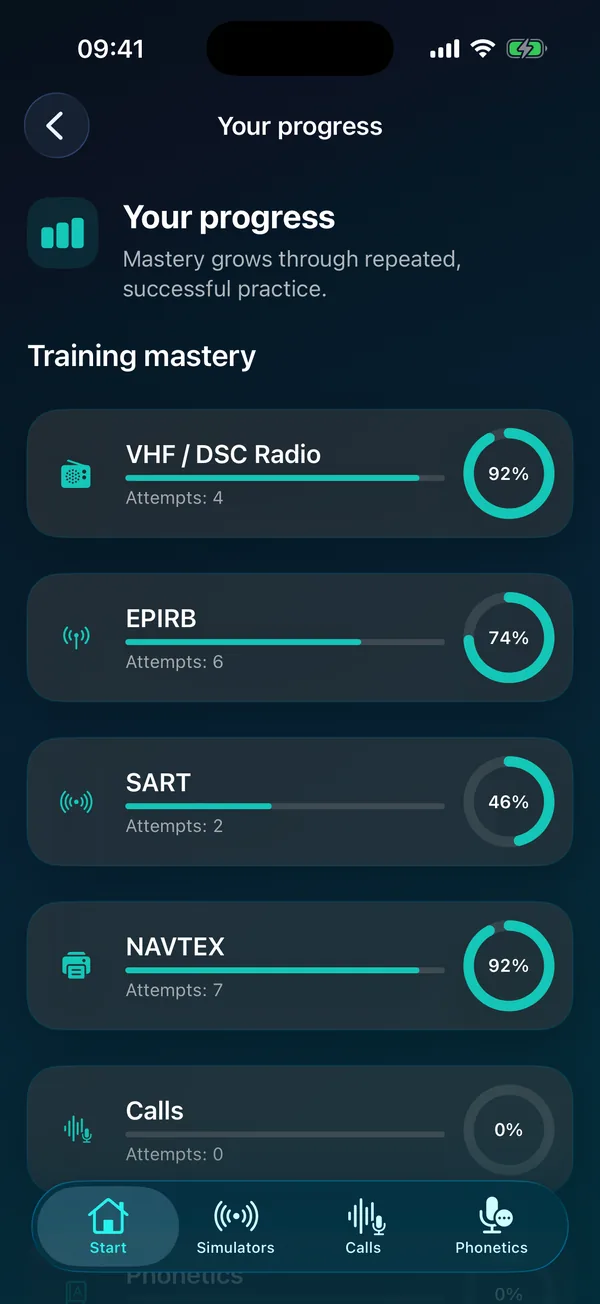
12 interface languagesThe entire interface is translated, so instructions are easier to understand and you can focus on practising procedures. English · Polski · Deutsch · Français · Italiano · Español · Dansk · Norsk bokmål · Português · Svenska · Suomi · Ελληνικά.
DevicesRequires iOS 17 or later. Works fully offline.
Private by designNo account, no ads, no analytics. Progress stays on your device. Privacy →
Questions
- Does the app work offline?
- Yes. Simulators, calls, phonetics and progress work locally. Speech recognition may depend on device capabilities.
- Why is the pronunciation exercise unavailable?
- Check the Microphone and Speech Recognition permissions in iOS Settings. Availability can depend on the device and selected language.
- How do I reset my progress?
- Open Settings in the app and choose the option to erase training progress.